
Let's Dive Deep into Canva

Updated: Apr 20
In the ever-evolving landscape of digital design, where creativity and technology intertwine, Canva stands as a beacon of simplicity intertwined with innovation. At Lazy Girl Editing, we embrace tools that allow us to work smarter, not harder, and Canva exemplifies this philosophy, especially with its AI-powered features. Let’s dive into the depths of Canva and explore how its full range of tools, including its AI magic, unleashes creativity effortlessly.

The Canvas of Possibilities
Canva has revolutionized the design approach by offering a user-friendly interface that marries simplicity with sophistication. From crafting social media posts to designing presentations and eye-catching infographics, Canva provides an extensive library of templates to kickstart your creative journey. Its intuitive drag-and-drop functionality ensures that you can create stunning visuals without the need for extensive design expertise.
It’s perfect for creators who want full control,
and love experimenting with layout, typography, and visual storytelling.

AI Magic at Your Fingertips
A highlight of Canva is its seamless integration of AI technology, which enhances creativity in remarkable ways. Tools like “Magic Resize” allow you to effortlessly adapt designs to various dimensions with just a few clicks, a game-changer for content creators striving to maintain visual consistency across platforms.
Intelligent Design Suggestions
Canva’s AI-driven design suggestions offer creative inspiration when faced with a blank canvas. The “Style Suggestions” feature analyzes your design components to propose complementary styles, fonts, and color palettes. This ensures a cohesive aesthetic, making every design visually appealing and professionally polished.
Editing is where the magic happens — Canva just makes it faster.

Collaborative Creativity in the Cloud
Canva’s cloud-based platform facilitates seamless collaboration, making it ideal for teams working remotely or across various locations. The real-time editing feature allows multiple users to work on a project simultaneously, nurturing a collaborative environment where creativity thrives.
Every template is fully editable, so you can swap colors, fonts, images, and layouts until it feels like you. It’s the easiest way to create professional‑looking designs without spending hours learning complex software.
3 Canva Editing Tips Every Creator Should Know
1. Keep Your Spacing Clean
Crowded designs look amateur fast.
Add breathing room around your text and elements, it instantly makes your design feel more polished, modern, and high‑end.
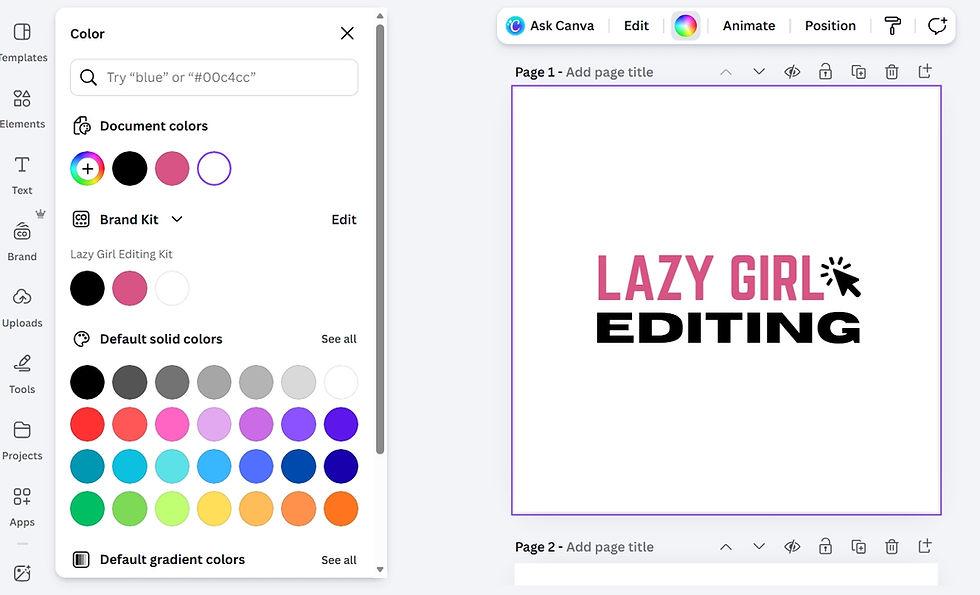
2. Stick to Your Brand Kit
Use the same colors, fonts, and styles across every design.
Consistency builds recognition, and recognition builds trust. Canva makes this effortless when your Brand Kit is set up correctly.
3. Edit Before You Add
Before adding new elements, refine what’s already there.
Adjust alignment, tweak text size, fix spacing, and clean up the layout. Small edits create the biggest difference in quality.

The Future of Design
As AI technology continues to advance, Canva remains at the forefront of integrating these innovations into its platform. The future promises even more intuitive features and tools to further simplify and enhance the design process, allowing creatives to push the boundaries of what’s possible.
Want to Dive in Deeper?
Edit & Chill: Canva Edition - ONLINE COURSE by Lazygirlediting.com
Coming next month (MAY 2026).
We cover everything from basics to all of the latest Canva AI Magic tools.
In conclusion, Canva’s array of tools, including its powerful AI magic, transforms digital design into a process that is as effortless as it is inspiring. At Lazy Girl Editing, we harness this power to deliver professional editing services that captivates and engages. By embracing the full spectrum of Canva's offerings, we continue to unlock new levels of creativity, proving that sometimes, being a little “lazy” is the smartest way to achieve brilliance.
Thanks for reading,
-Lazy Girl Editing


Comments